
Dragon Sculpting & 3D Printing Business
Sculpted, produced, and sold a collection of highly detailed dragon models based on the Wings of Fire book series, building a successful product-based business serving customers worldwide.
Quick Stats
100+ physical dragon models sold
200+ digital files sold
$8,000+ raised through kickstarter
Sculpted, manufactured, marketed, and fulfilled products independently
Project Overview
This project began as a passion for the Wings of Fire book series and evolved into a small business centered around highly detailed dragon sculptures representing the different dragon tribes from the books. Using a digital sculpting workflow, I created collectible dragon models that were sold as both physical 3D prints and downloadable files for home printing.
Software Used
Zbrush
Photoshop
Blender
Lychee Slicer
Final Cut Pro
My Roles
Character sculpting in ZBrush
Rigging and posing in Blender
Supporting for print in Lychee Slicer and Blender
Product rendering and presentation
Kickstarter campaign planning
Social media marketing
Customer fulfillment & shipping
Community management
Process
Reference
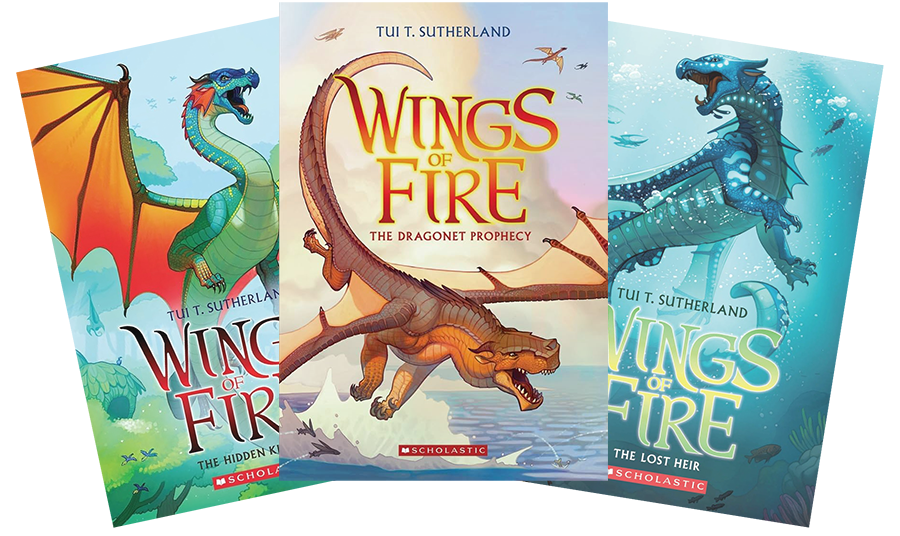
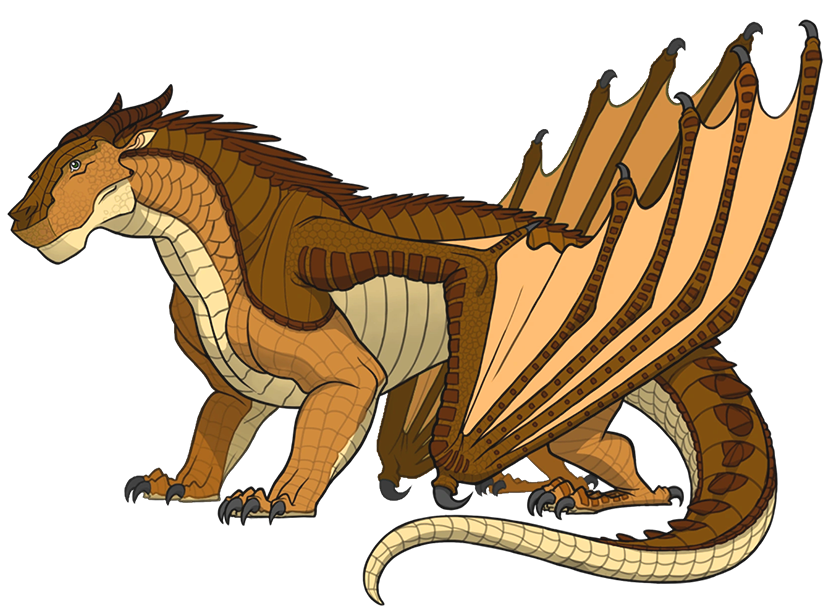
My collection of dragon models includes 6 highly detailed sculptures of the different dragon tribes from the Wings of Fire book series by Tui T. Sutherland.
Sculpt Stages
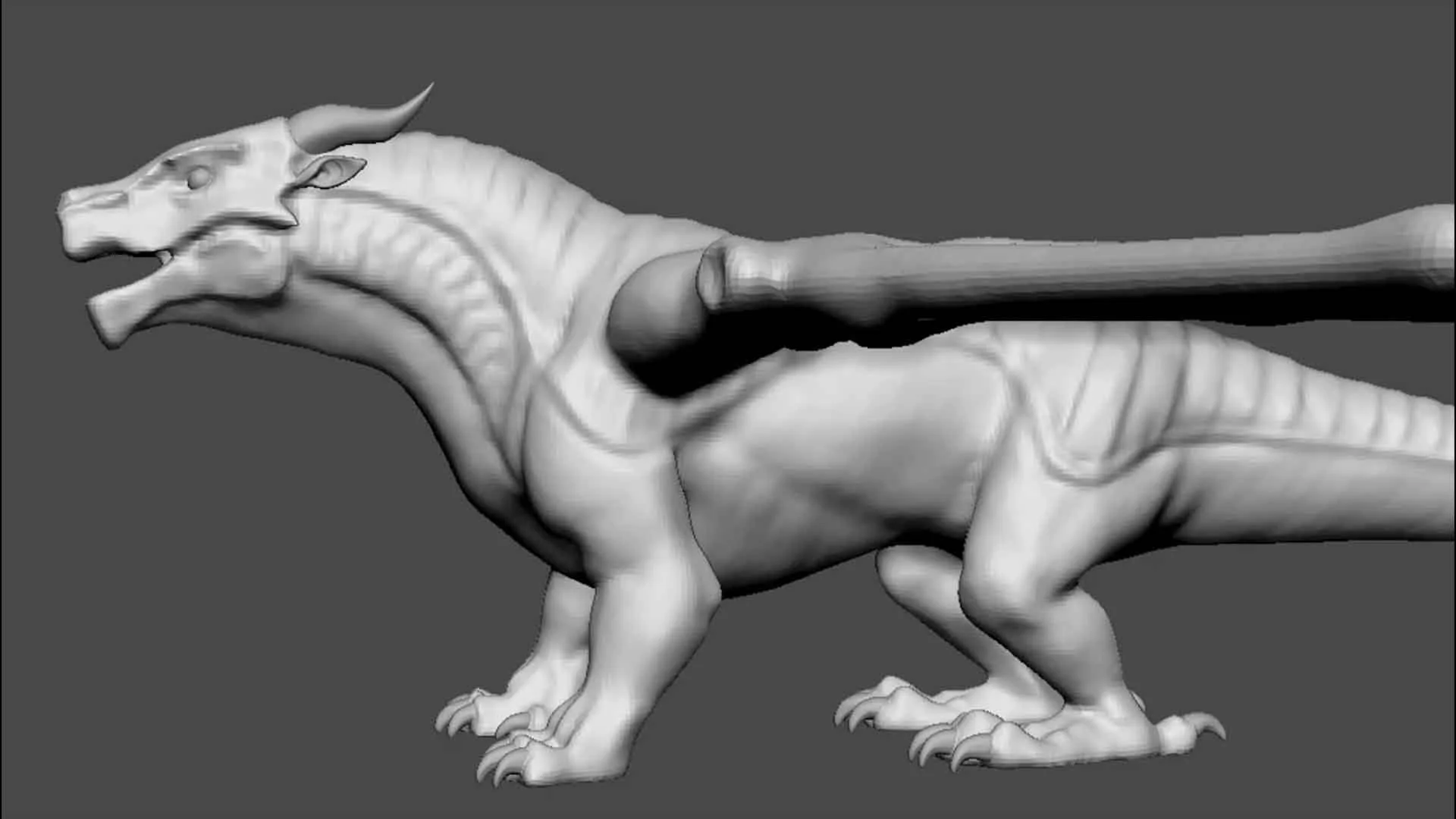
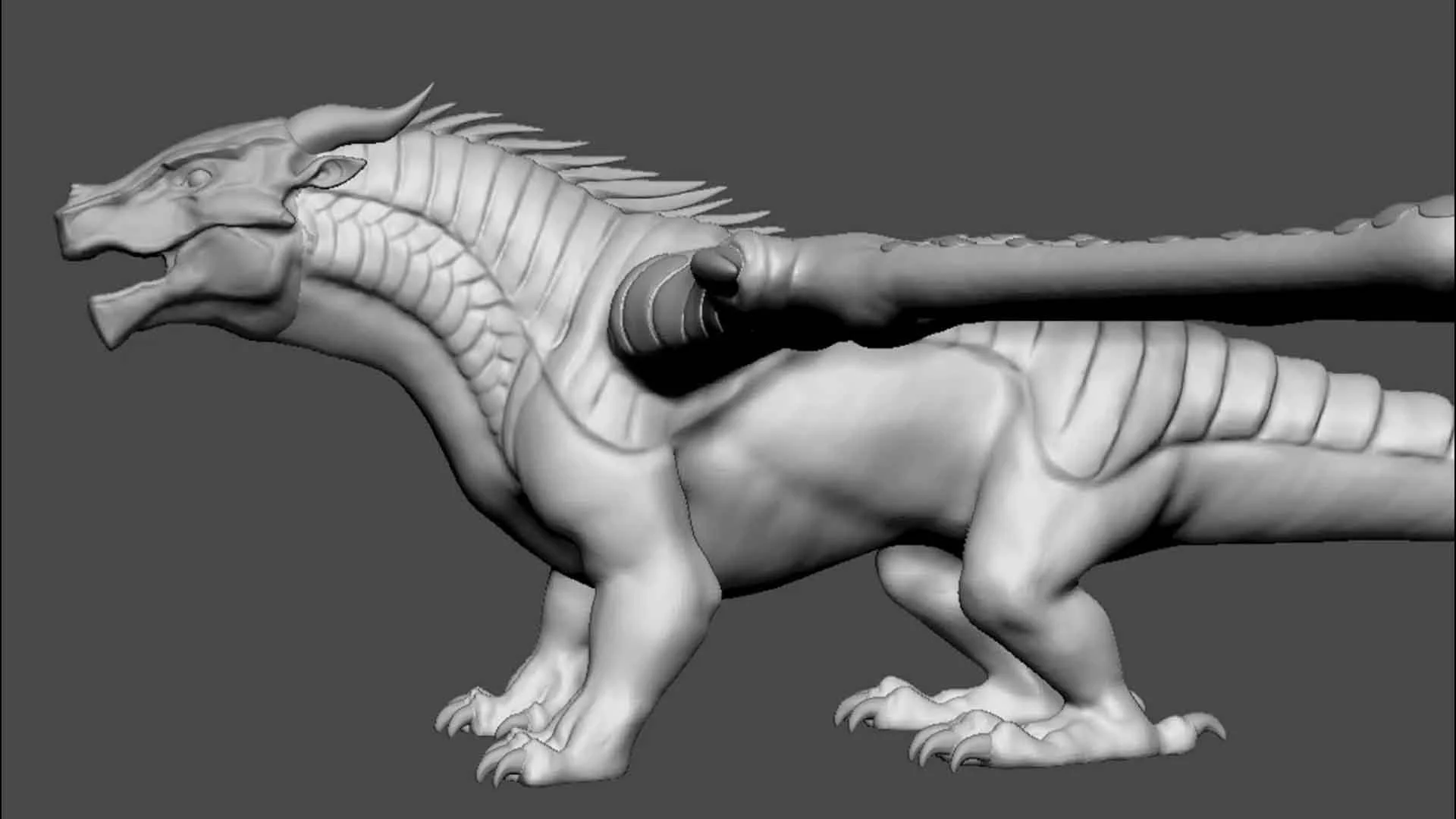
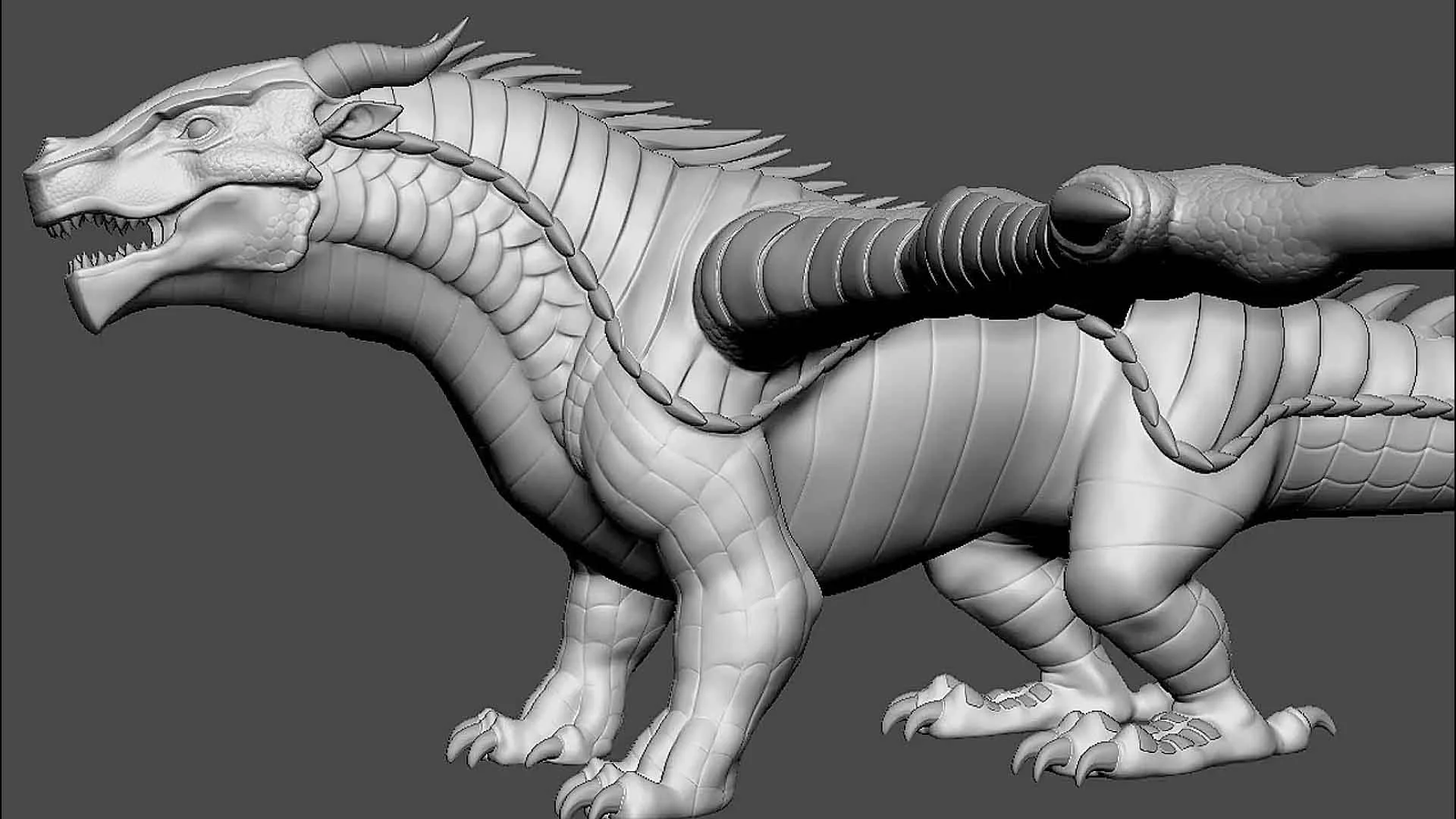
My workflow with sculpting goes from large forms to small. Putting emphasis on a strong silhouette and clean shapes early on to ensure it carries through each stage.
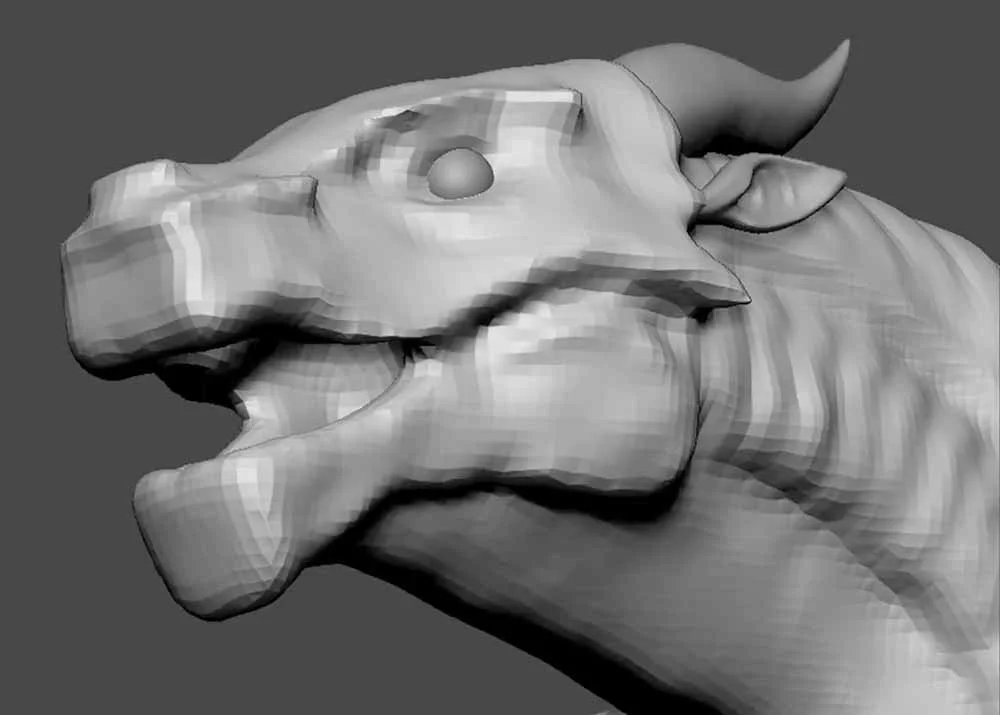
Blockin
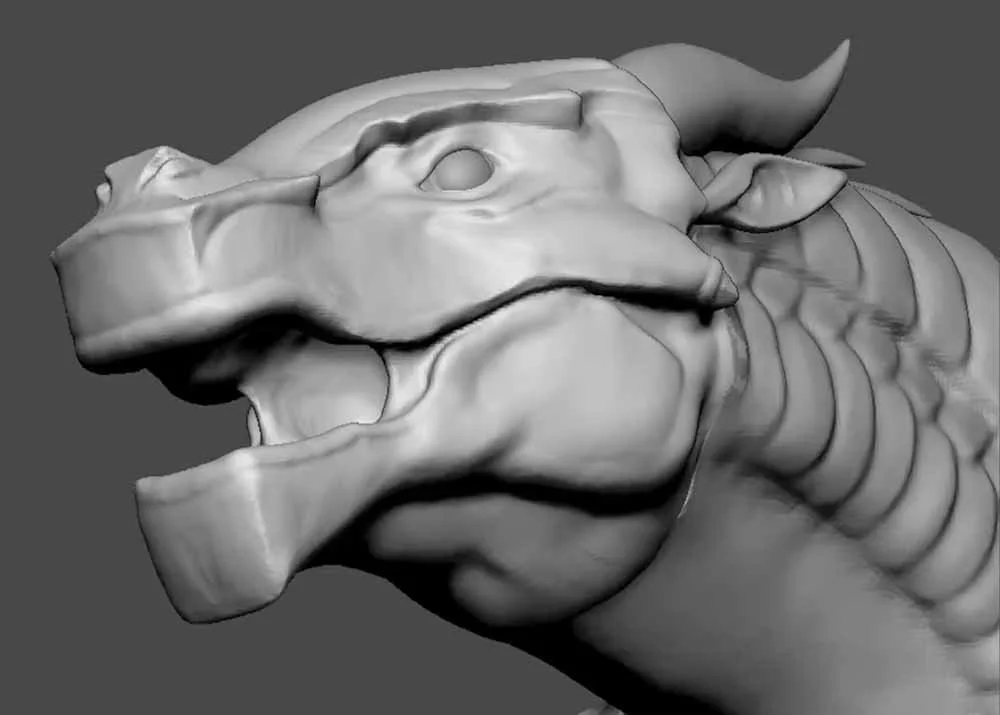
Mid Level Detail
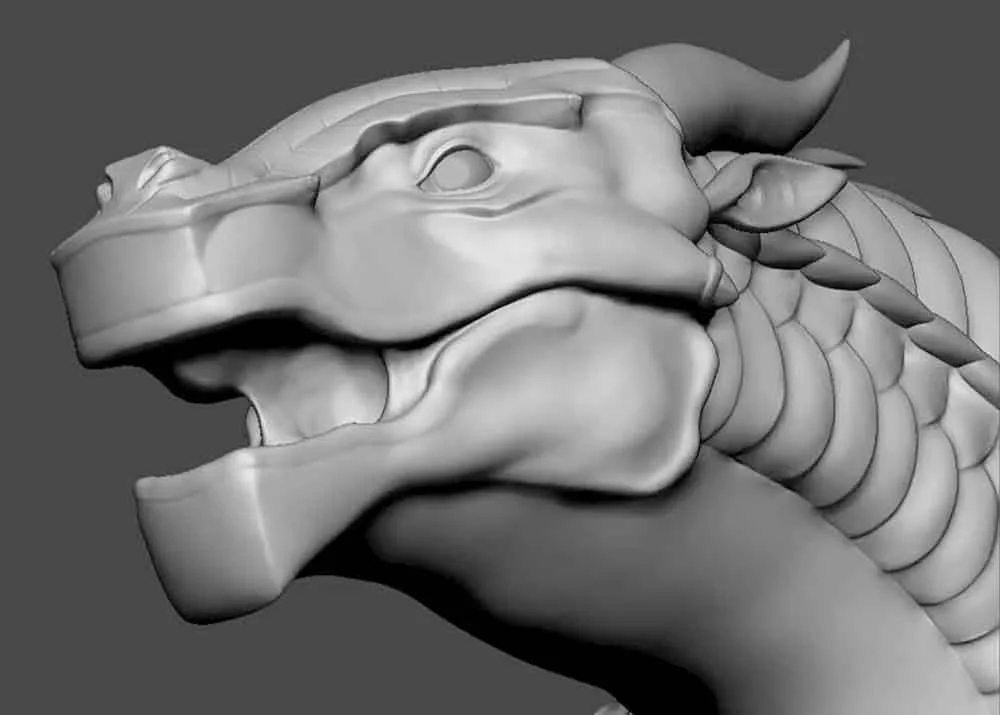
Refining Mid Level
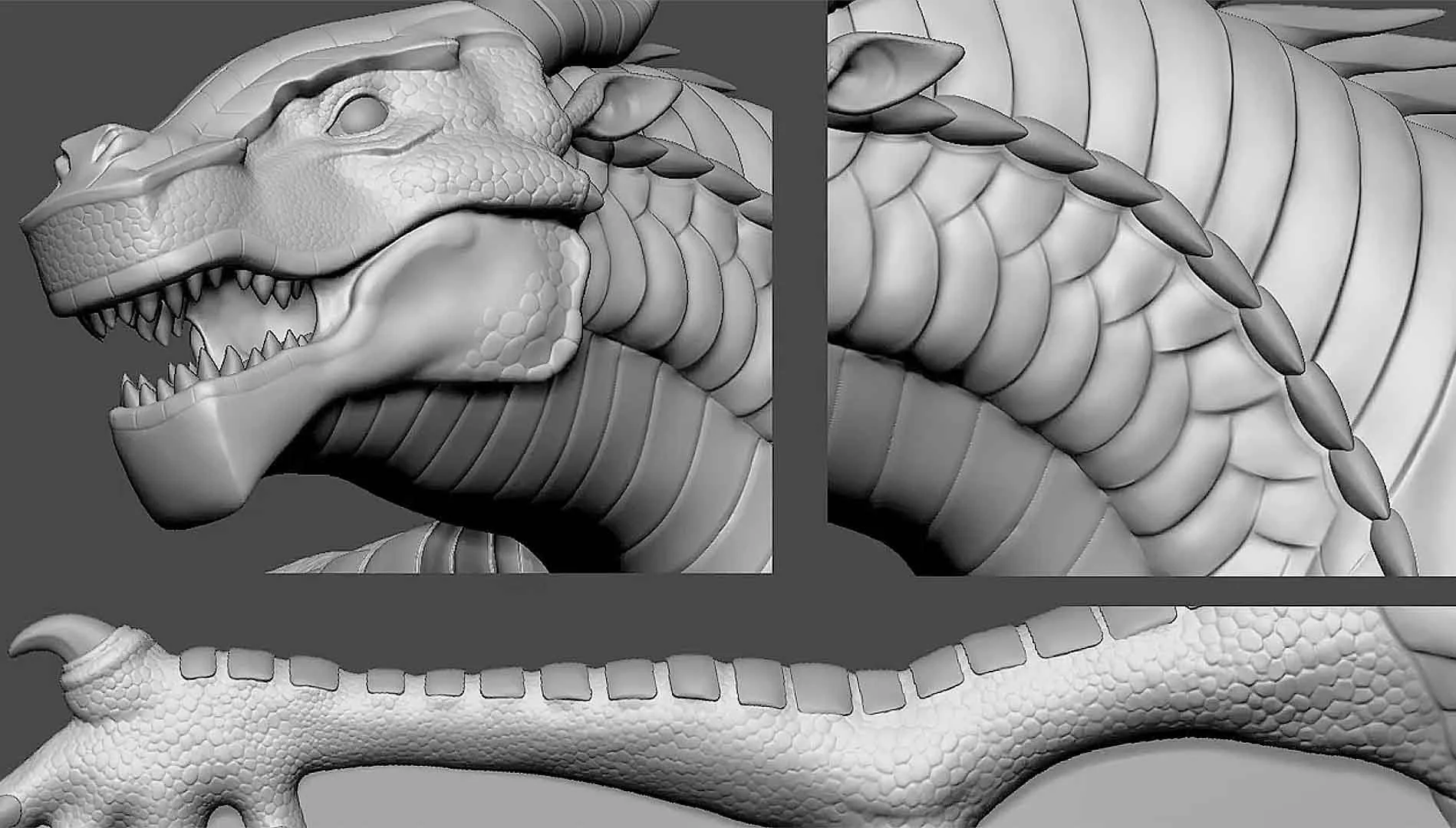
High Frequency Detail
Rigging & Posing
Each dragon is sculpted in Tpose to maintain a non-destructive workflow. This way the models can be reused.
When the sculpture is finished I bring my lowest subdivision level of the model into Blender, where I create a basic rig for posing.
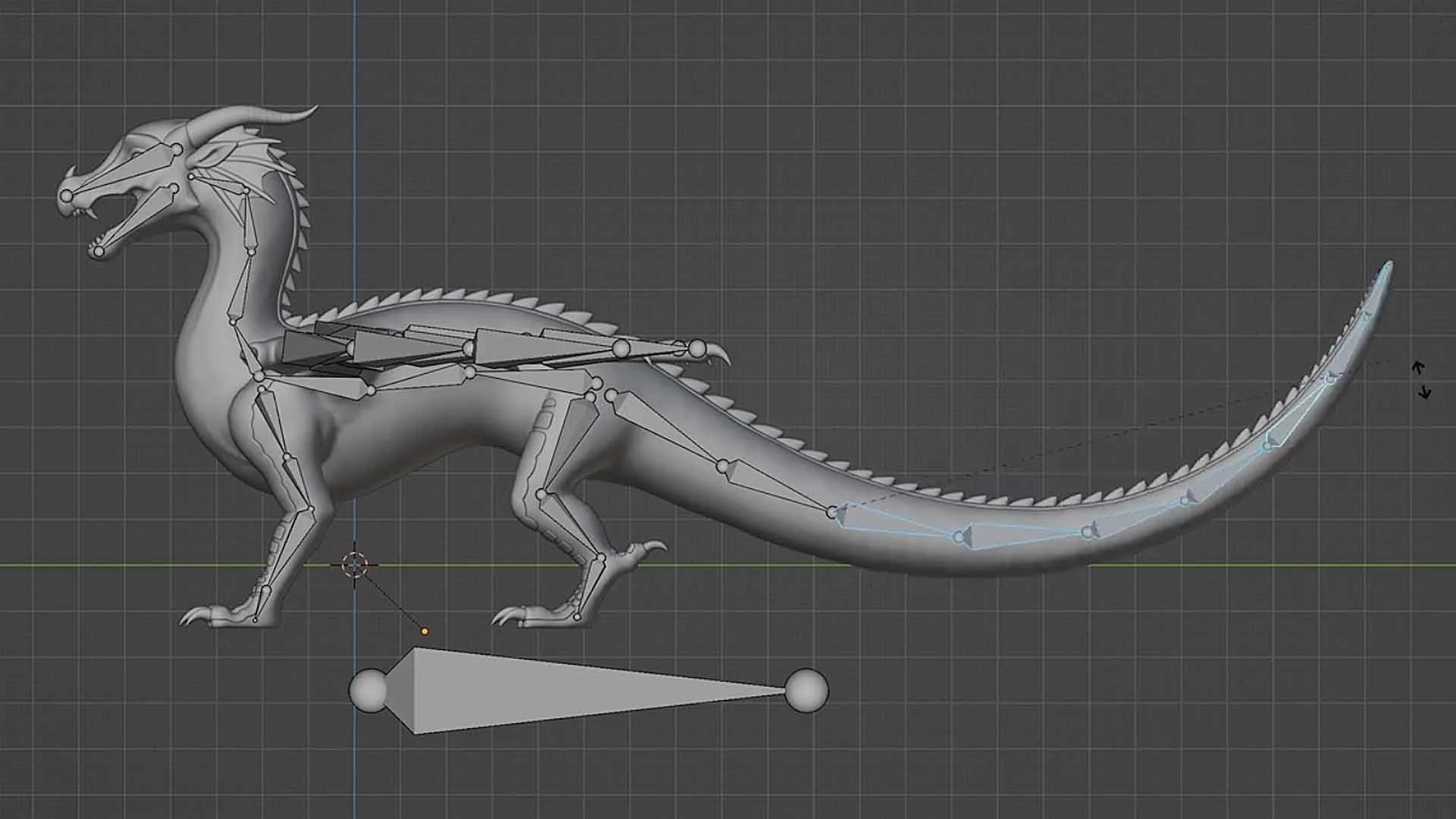
After getting a general block-in pose with the rig, I export it back to Zbrush for cleanup and polish.
I leave areas like the fingers, toes, mouth, and other small details to position in Zbrush. This allows for more control with each subdivision level of detail accessible for me to tweak and monitor.
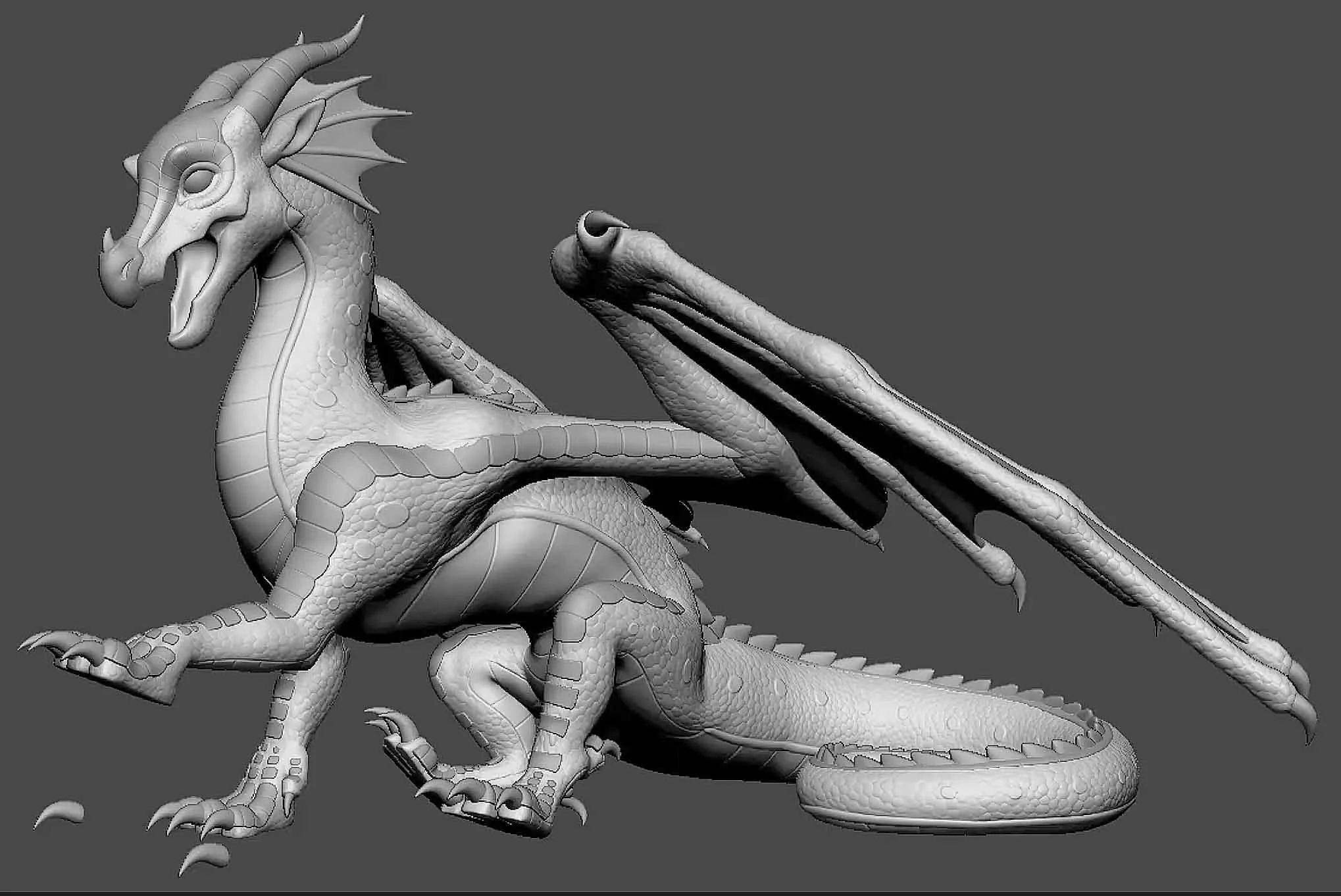
Before: Imported to Zbrush after posing in Blender
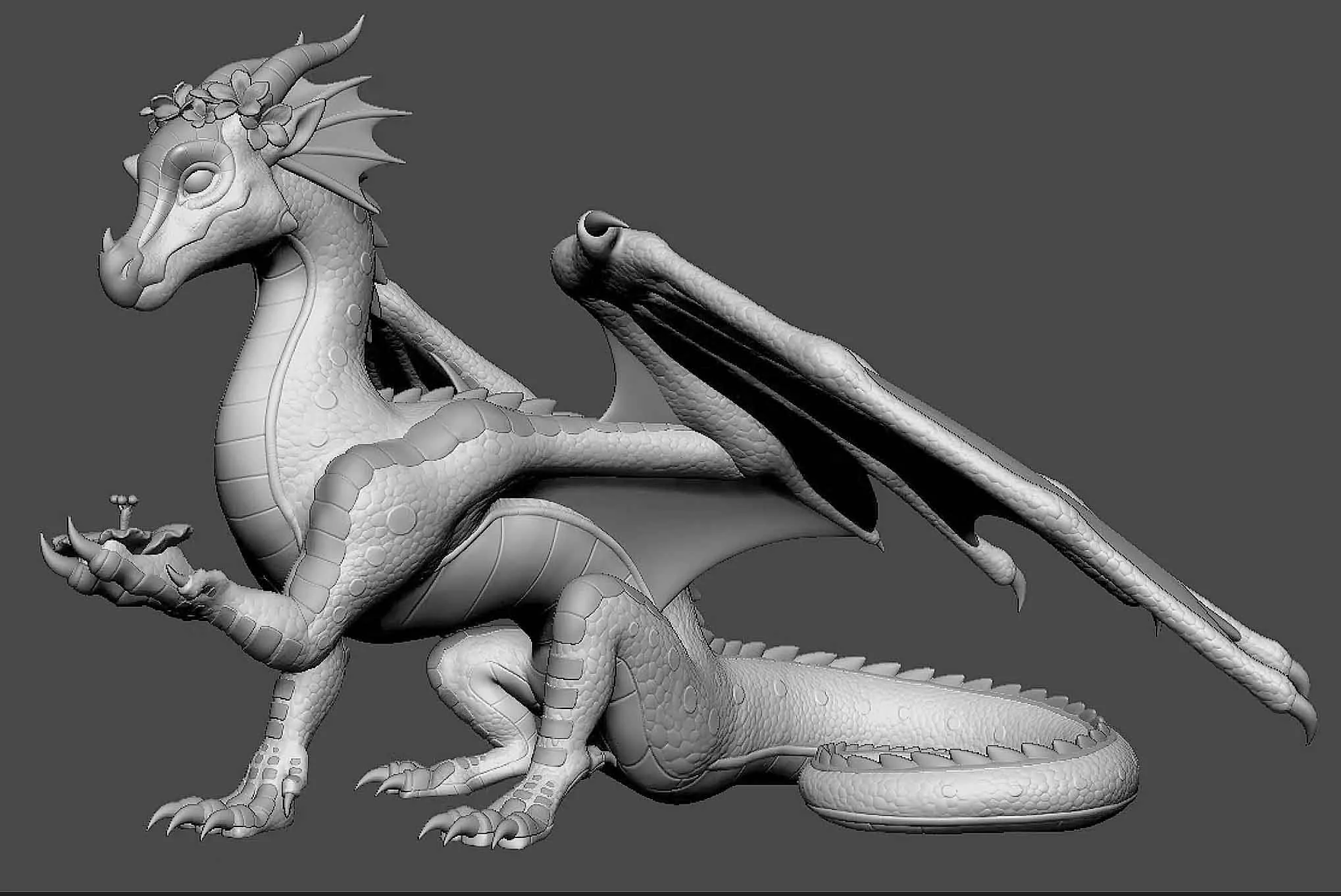
After: Cleaned up in Zbrush
Supporting
I support each dragon with a hybrid of hand work and semi-automation with Lychee Slicer and a custom Blender plugin.
With this approach I am able to utilize the strengths of each method without the weakness.
Semi-Automation: Speed and mass.
Hand: Preservation of detail, easily removable structures, and a high print success rate.
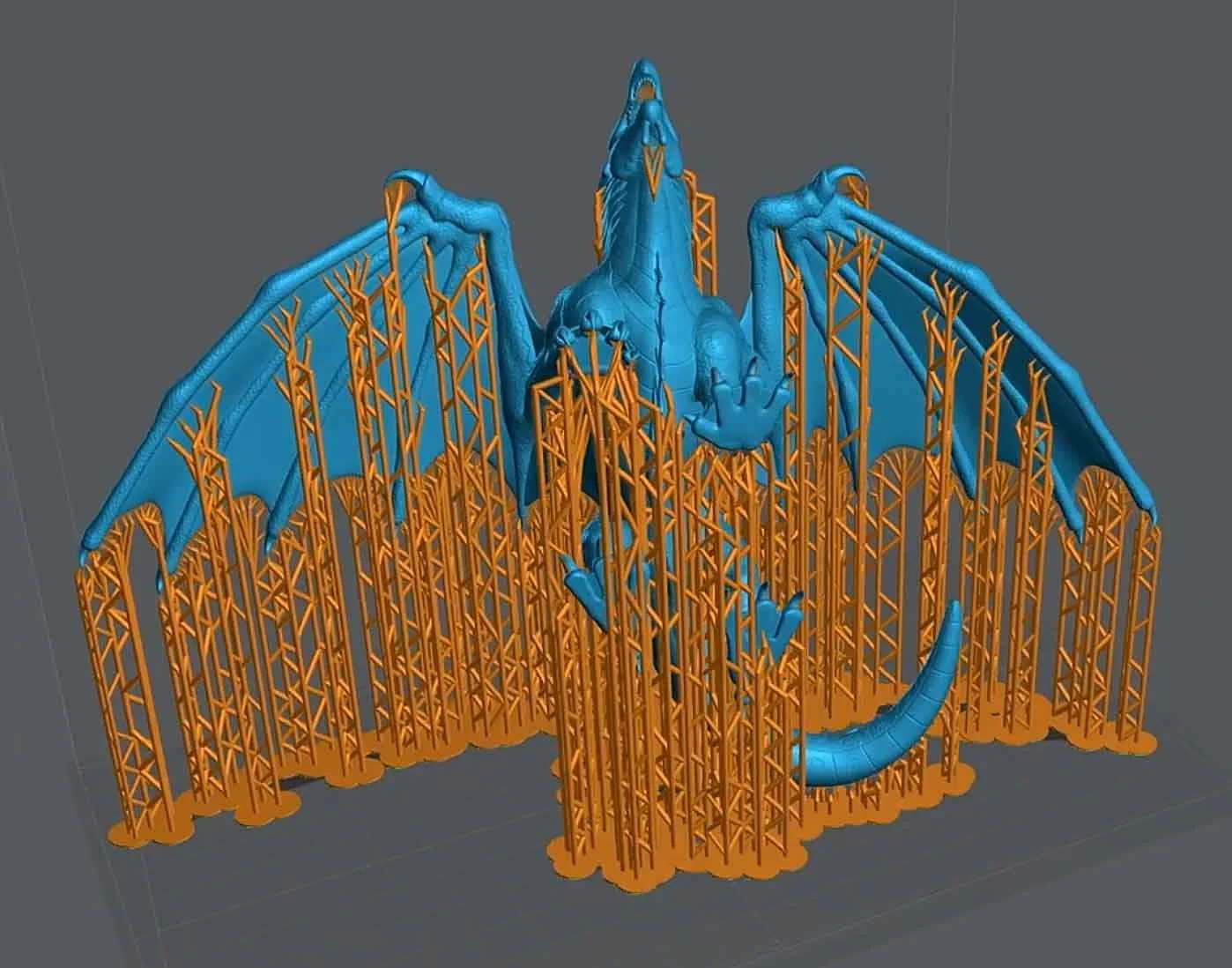
Printing & Post Processing
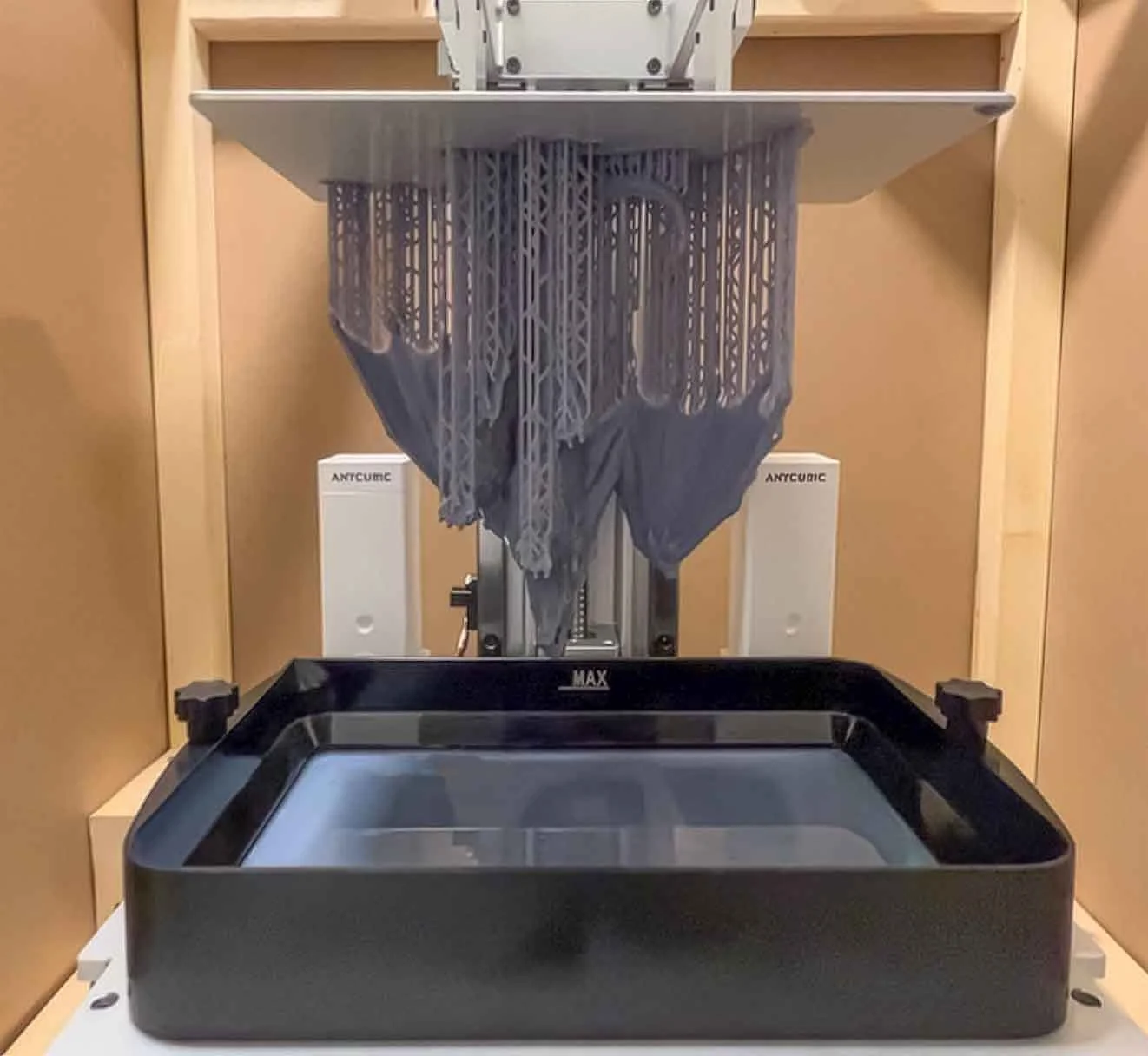
Completed 3D resin print
Efficient support removal; a benefit of supporting by hand
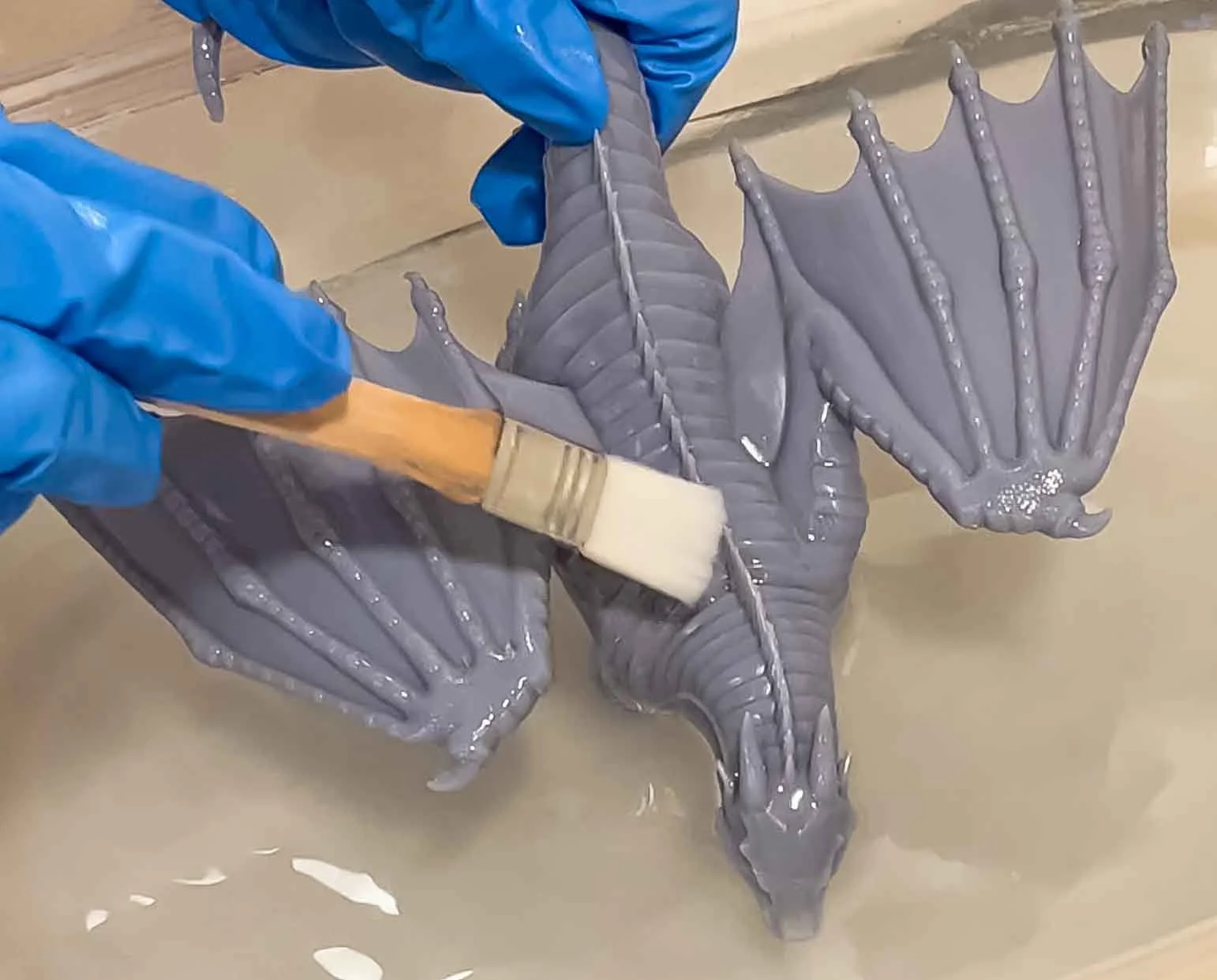
Cleaning off excess resin
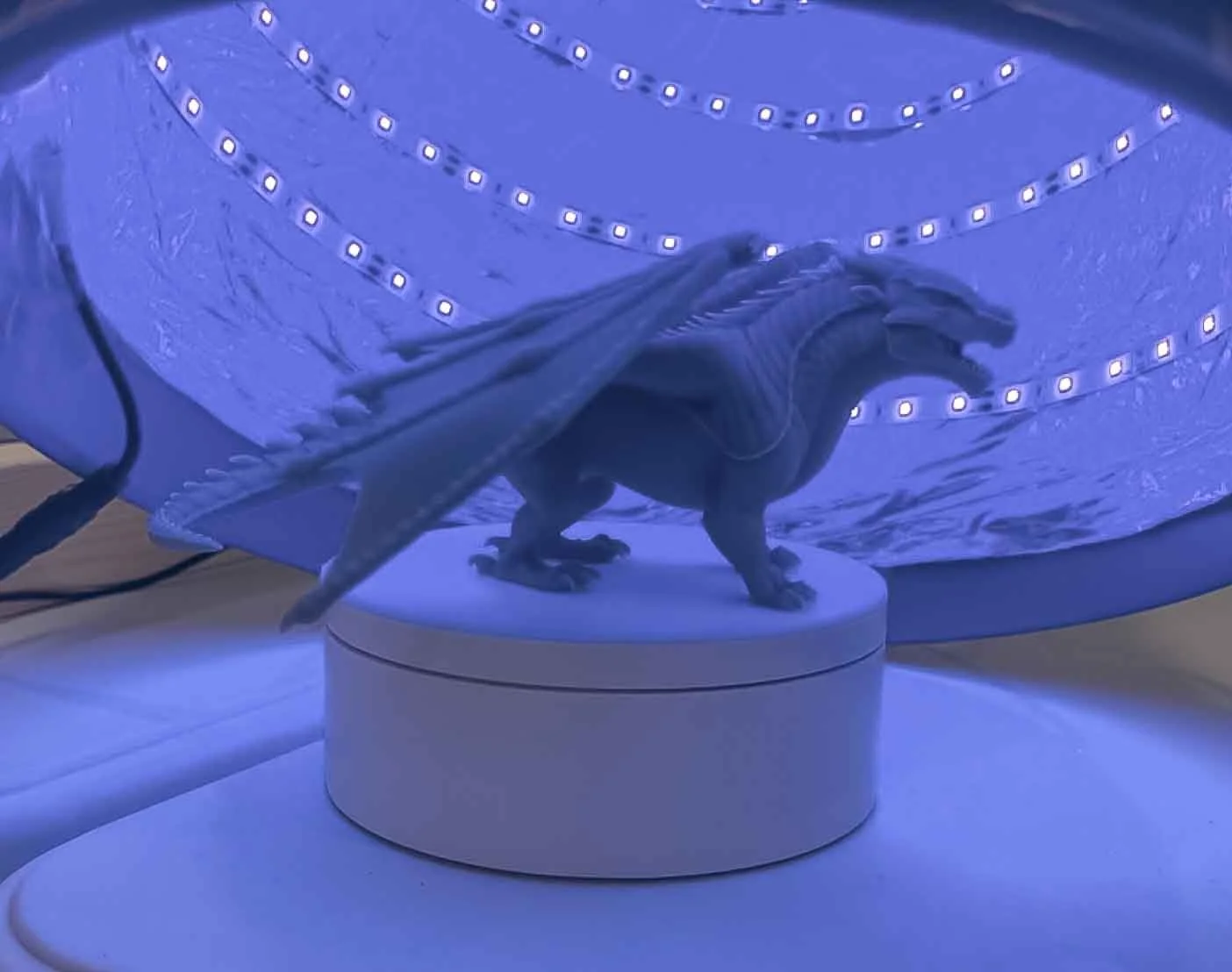
UV curing
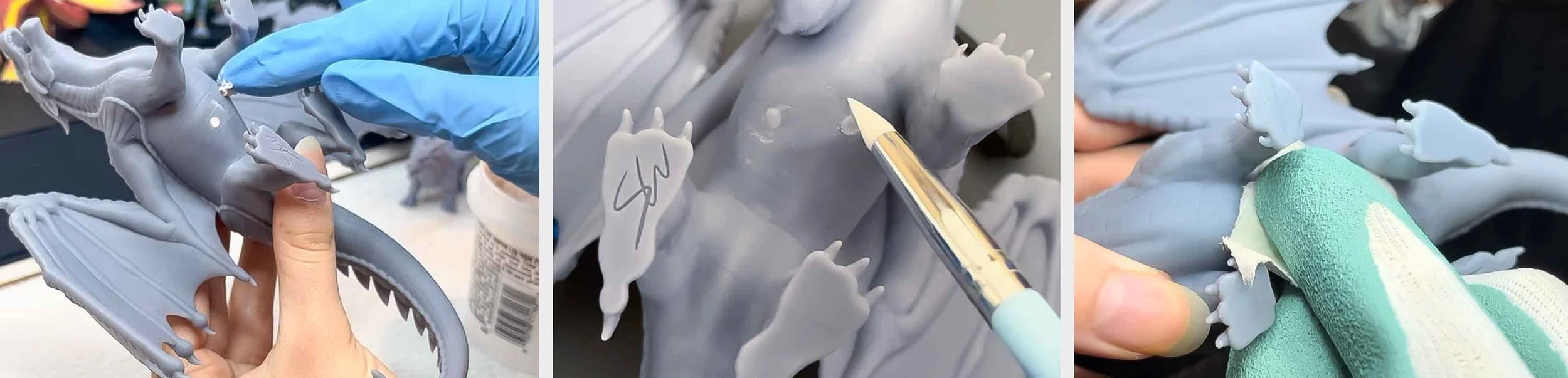
Drain hole filling, Resin covering + curing, Sanding
Video: How I Make 3D Printed Dragons
A complete overview of how I created my dragons.
From starting the sculpt in Zbrush, to rigging and posing in Blender, returning to Zbrush for cleanup and print-ready prep, supporting the model in Lychee Slicer, 3D printing, and finishing with post processing.
Video: Rainwing | WoF Speedsculpt
A full timelapse of my sculpting process in Zbrush for my best selling figure, the Rainwing dragon tribe, from Wings of Fire.
Early versions
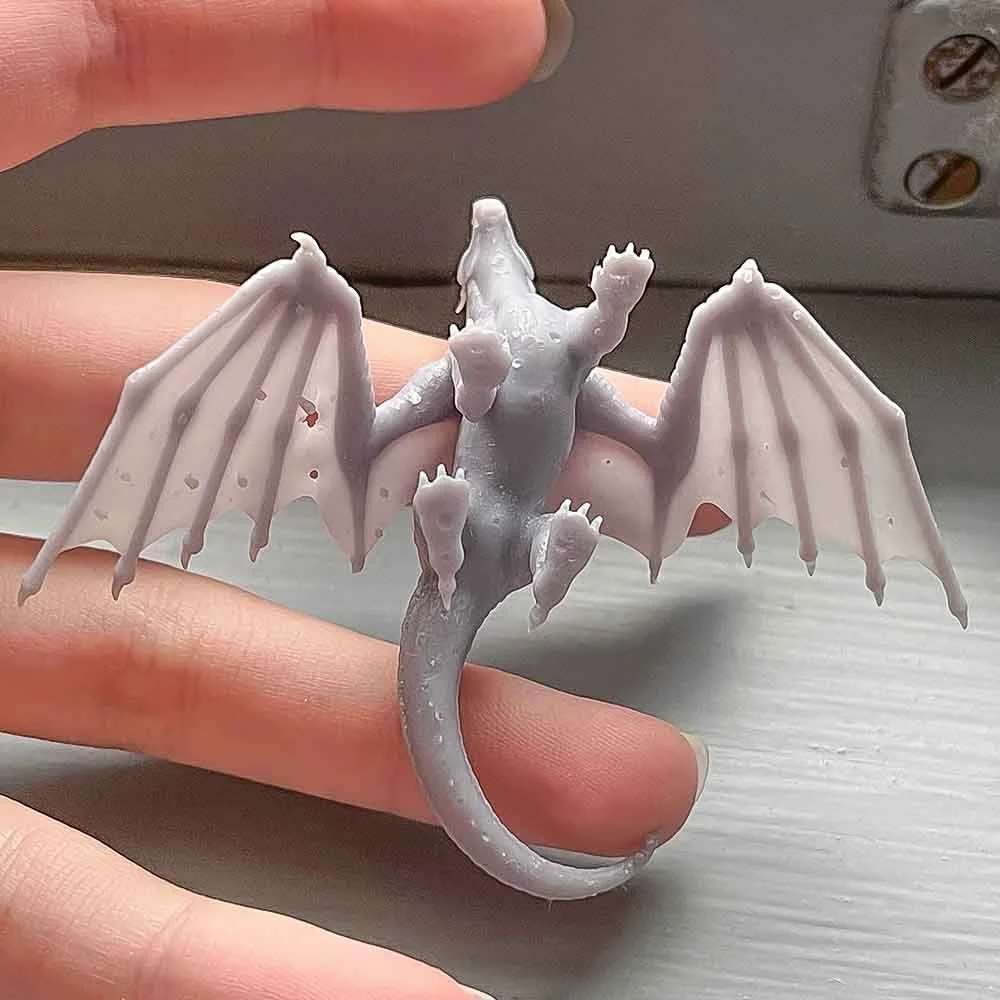
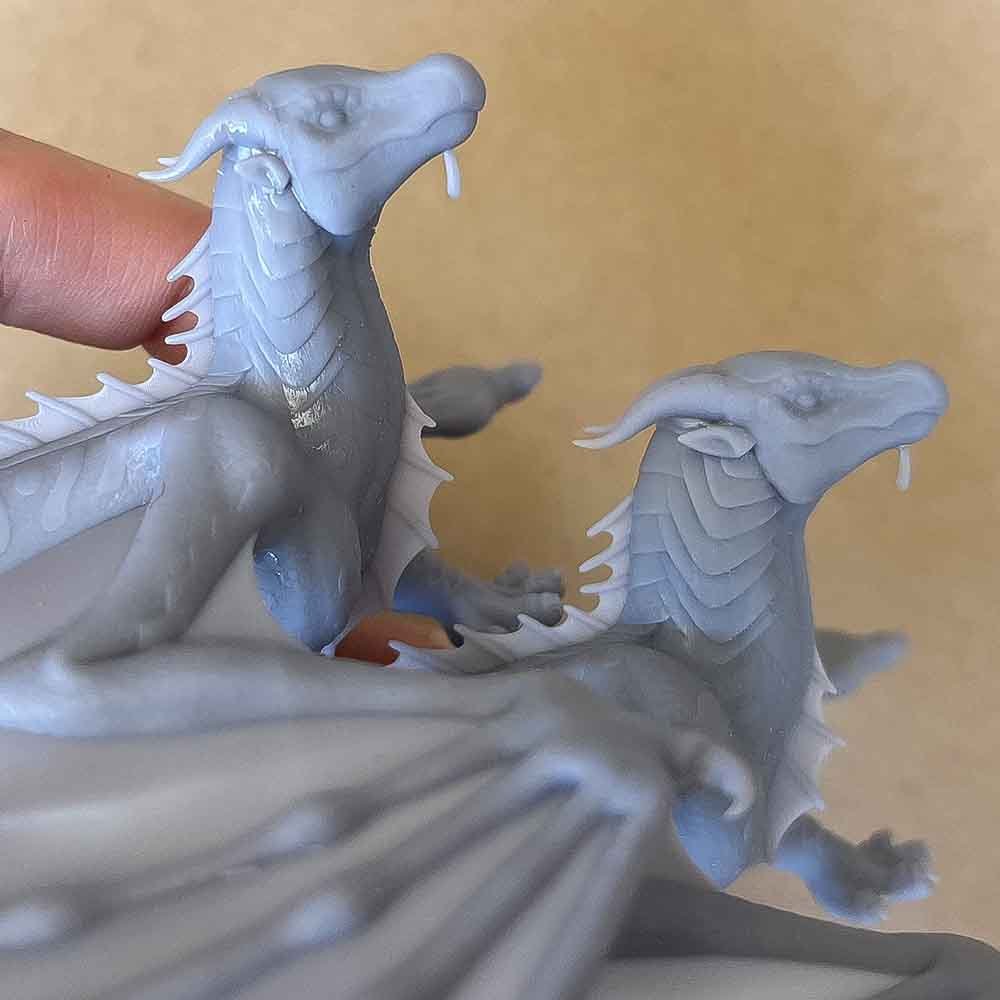
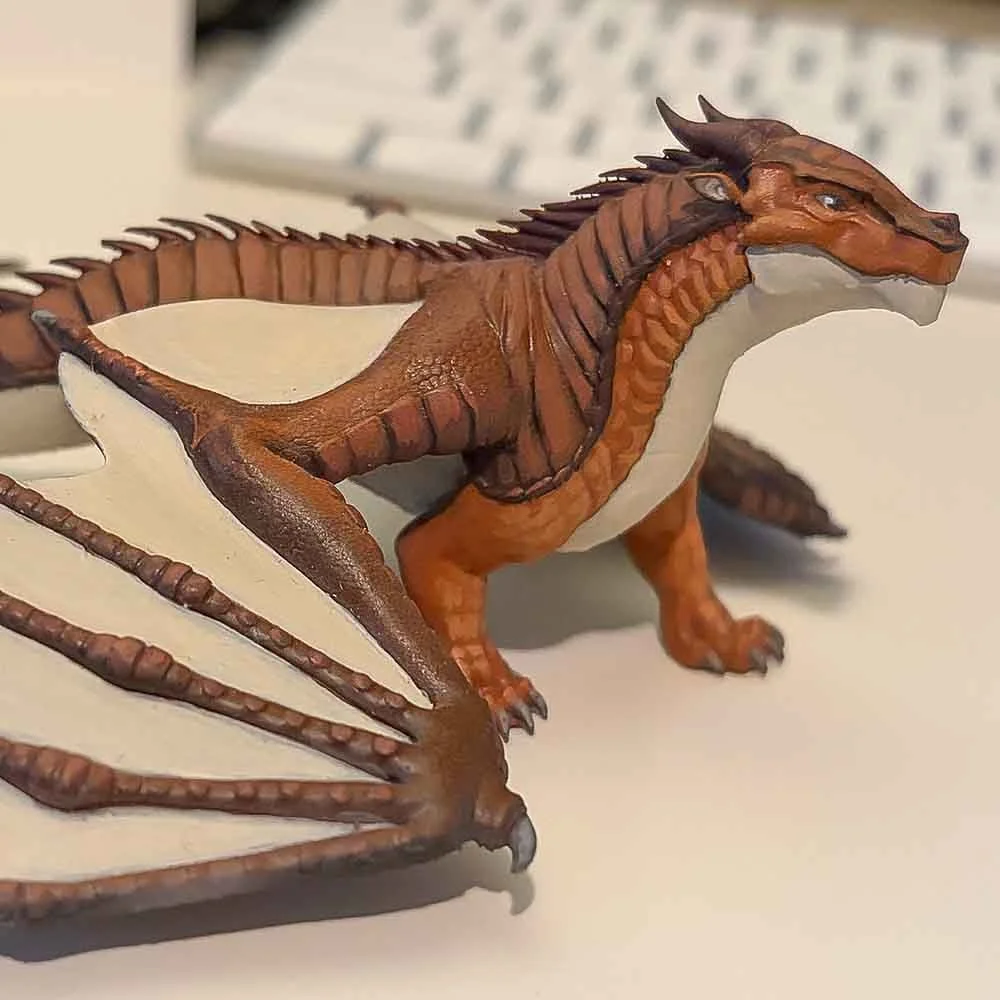
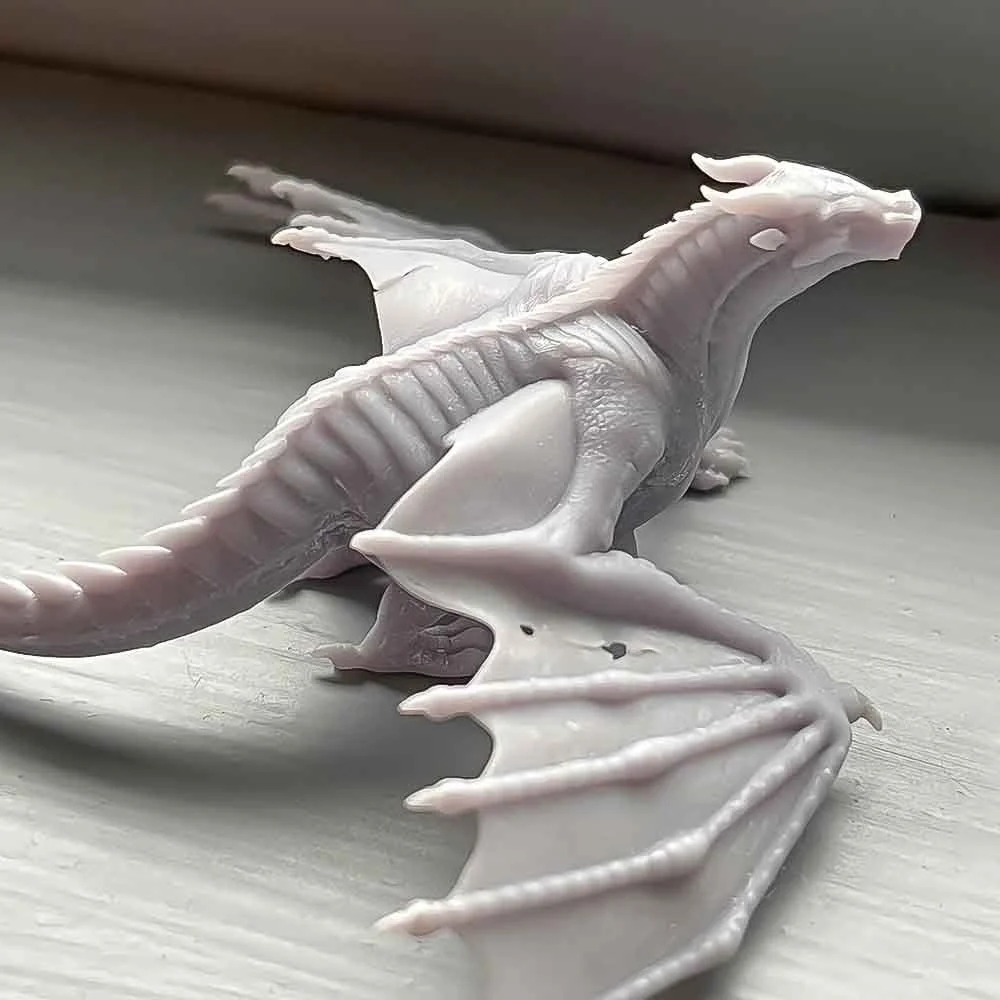
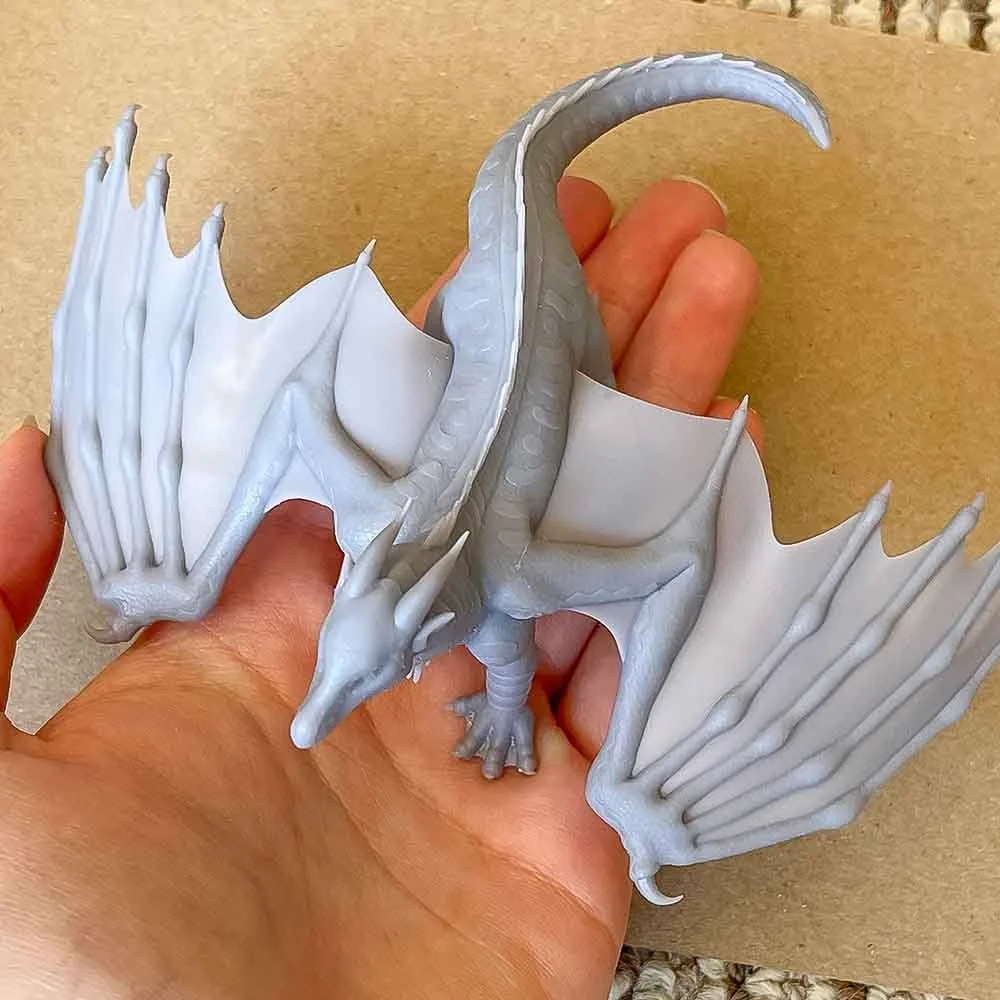
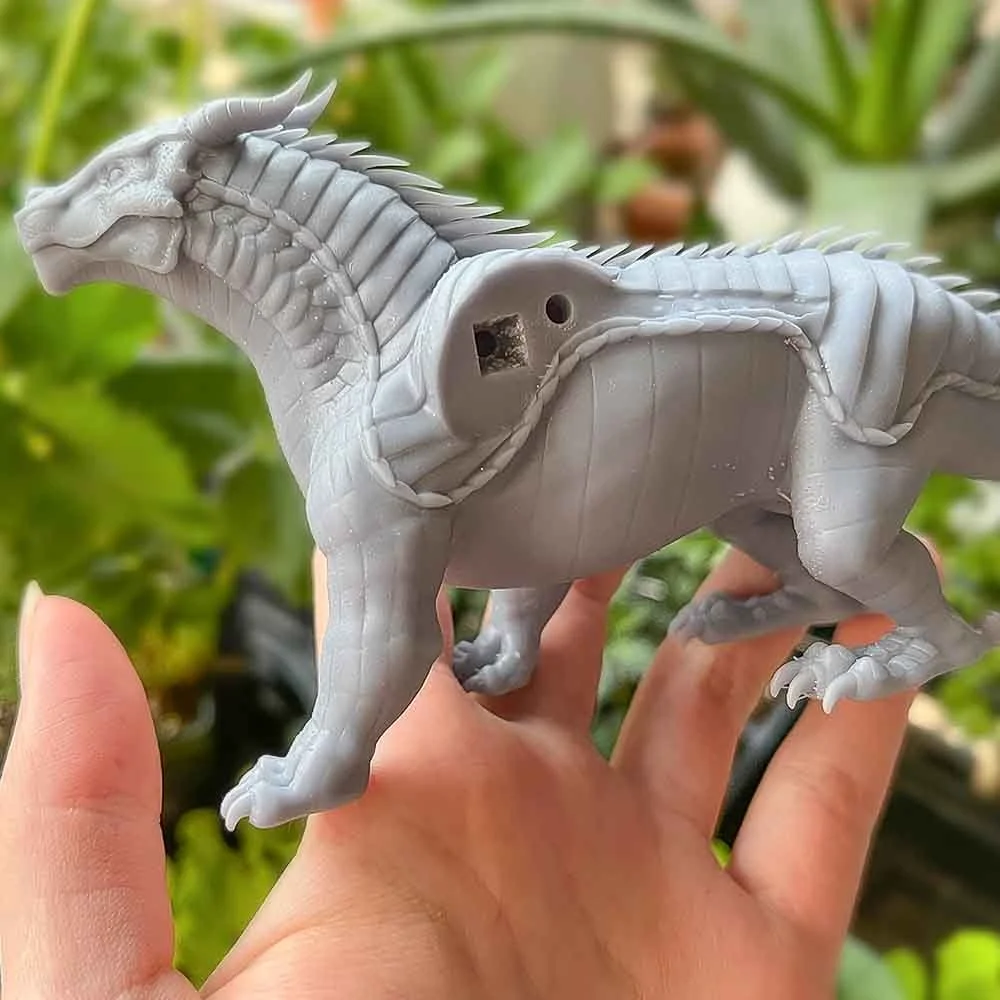
Mistakes & fixes
Drain holes
Detached parts (to hide drain holes, reduce print time, and give space on the build plate)
Print orientation save the detail!! sacrifice print speed for nicer finish & detail preservation, less cleanup
Challenges & Problem solving
Final Outcome
Marketing
Shipping